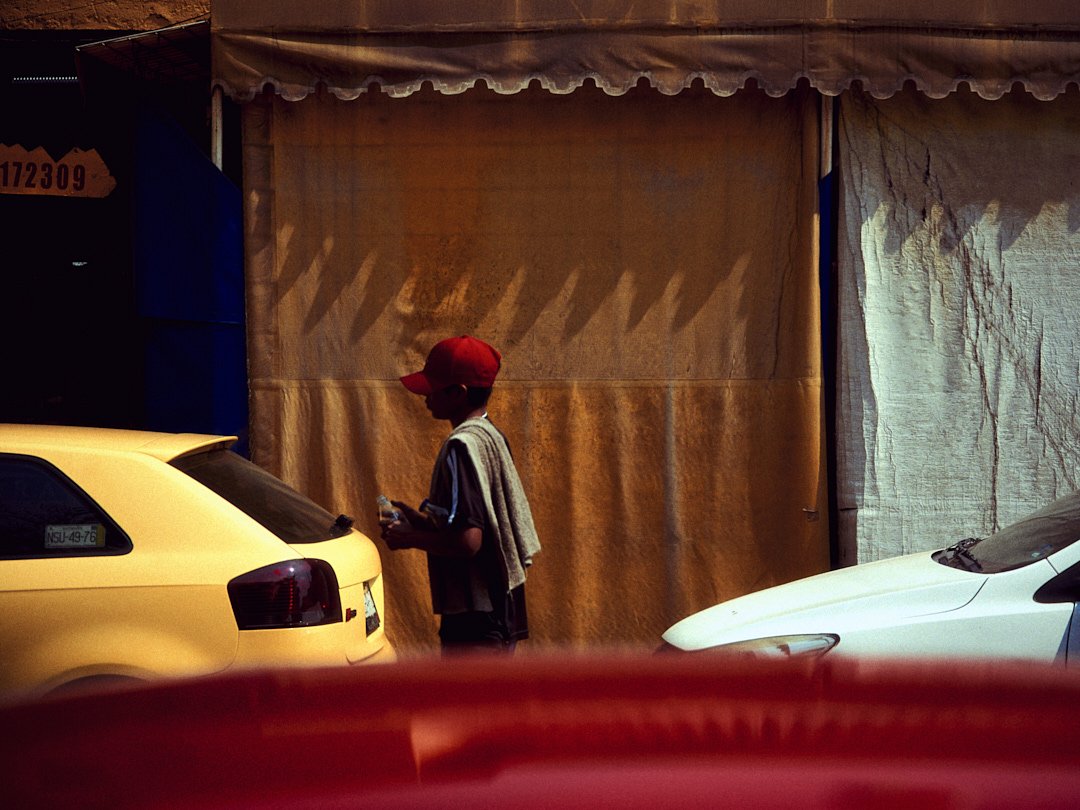
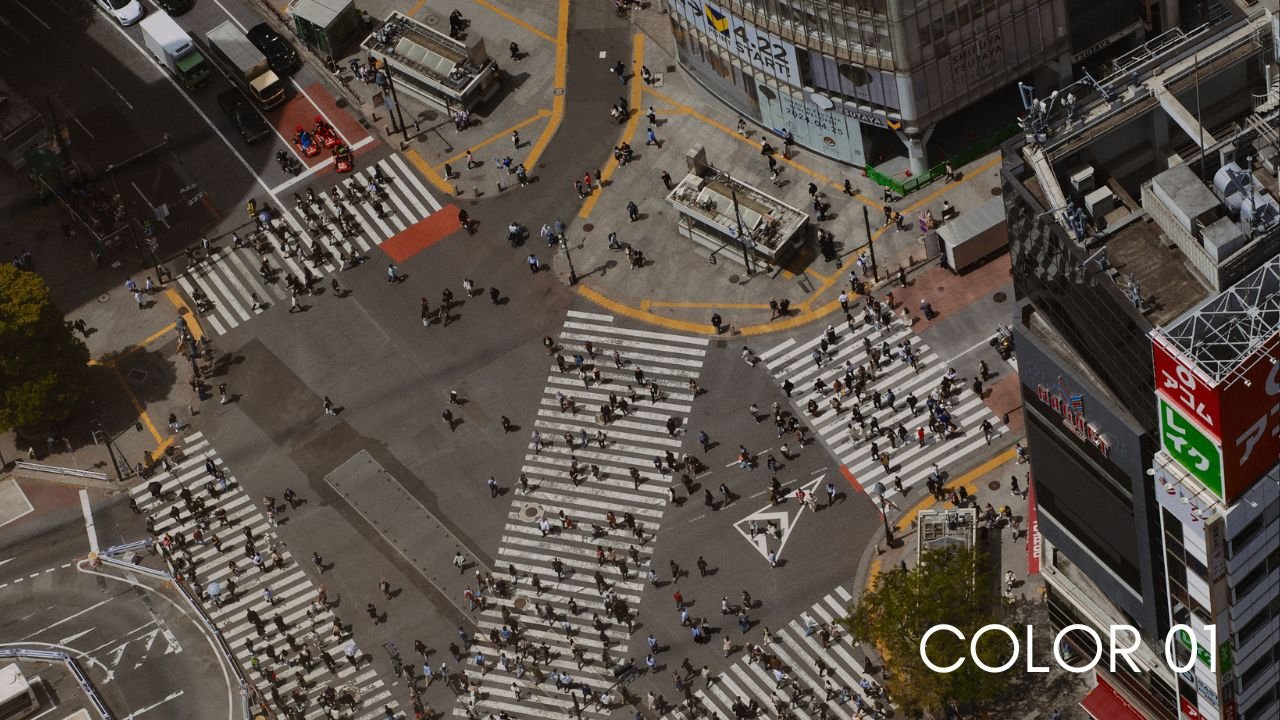
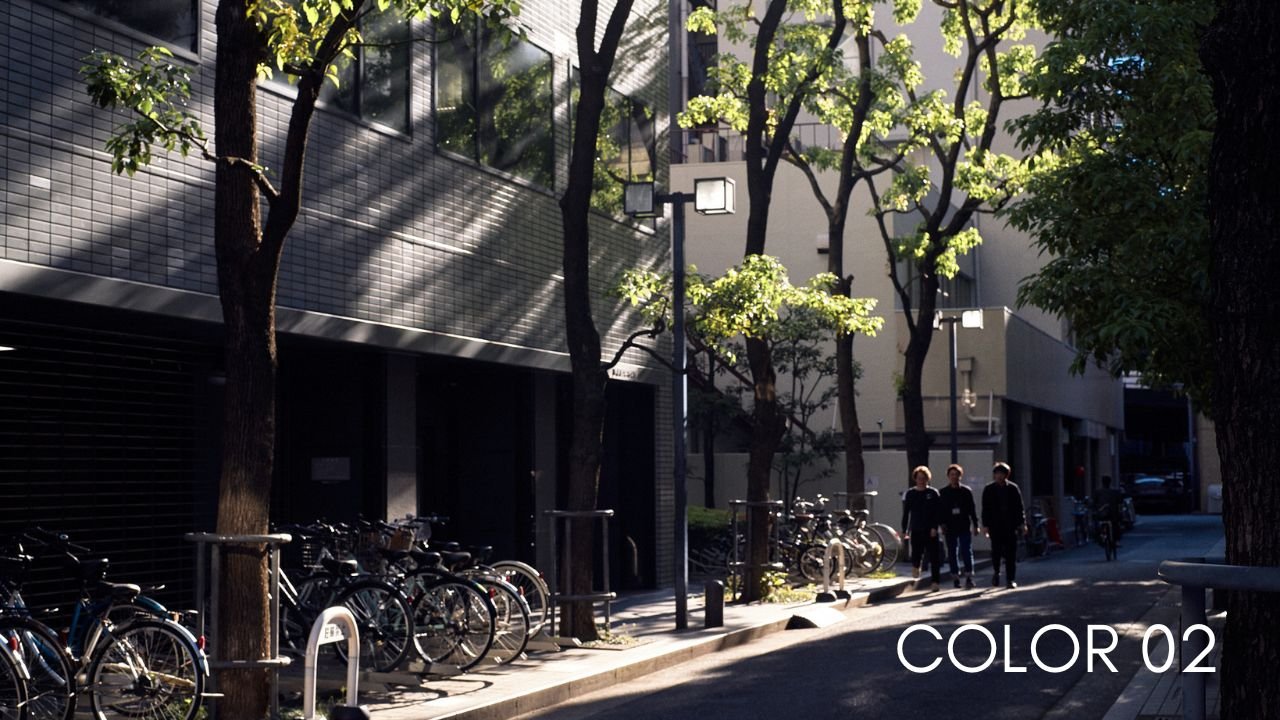
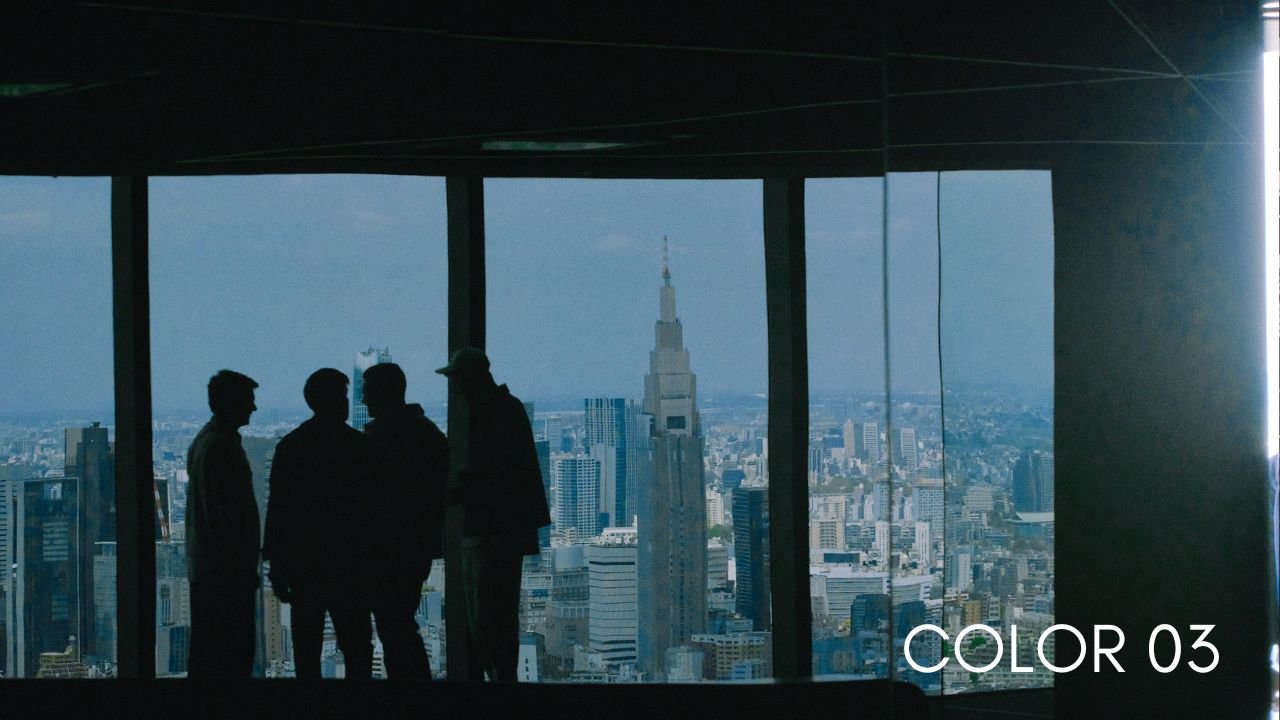
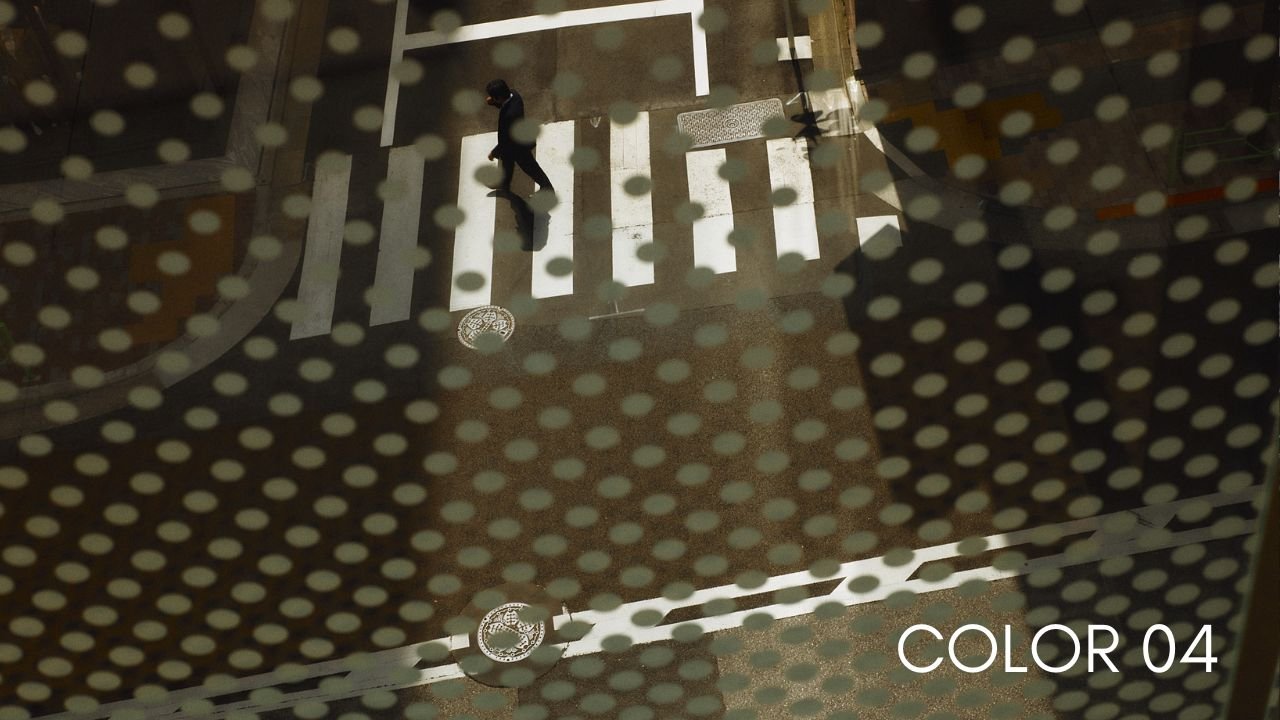
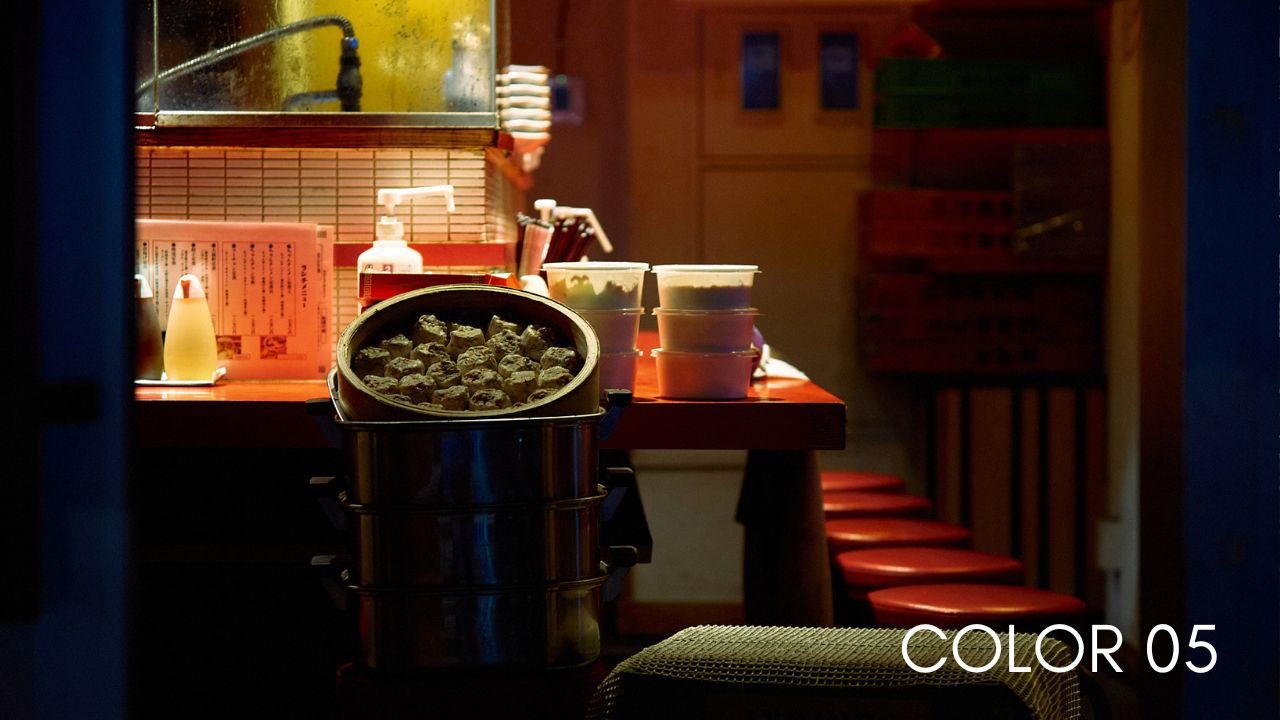
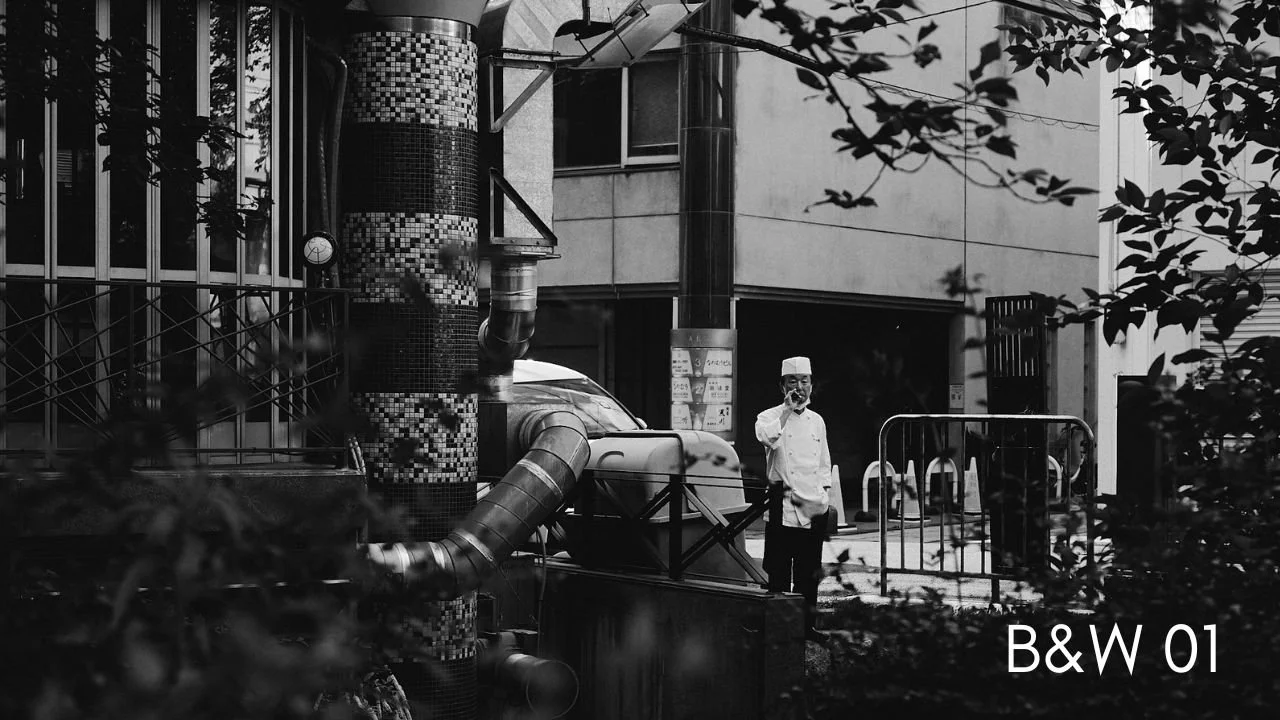
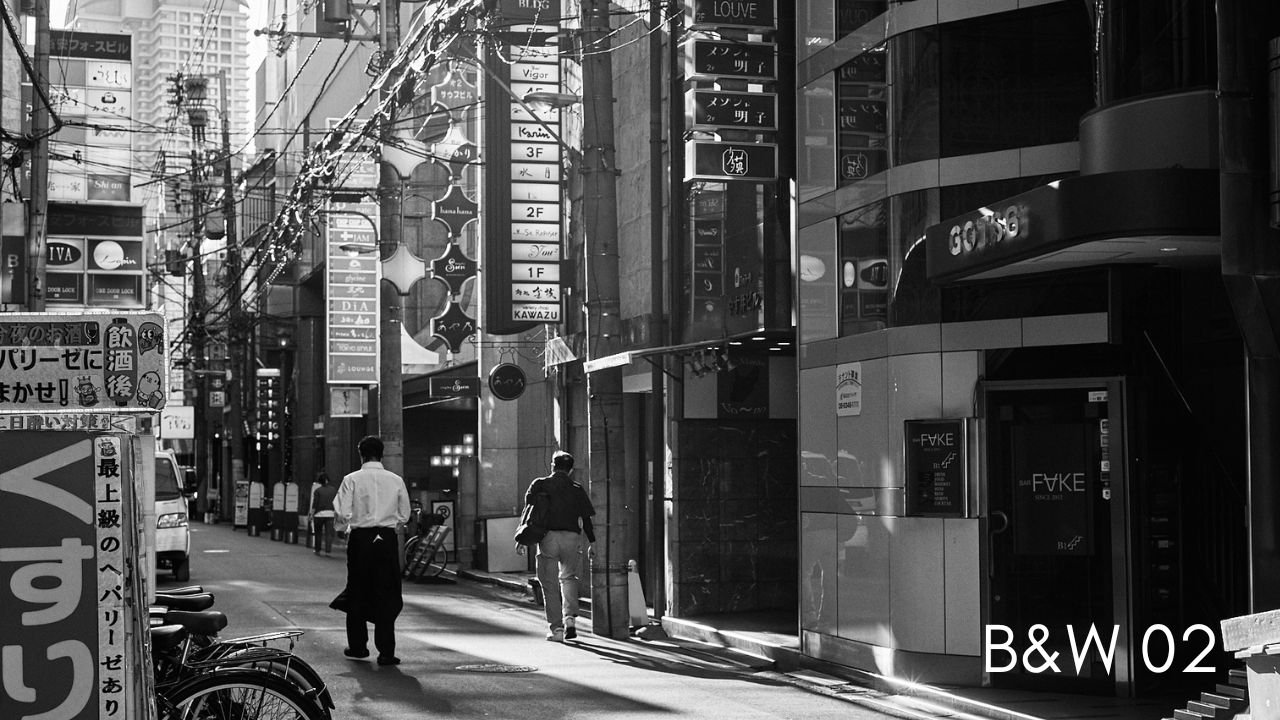
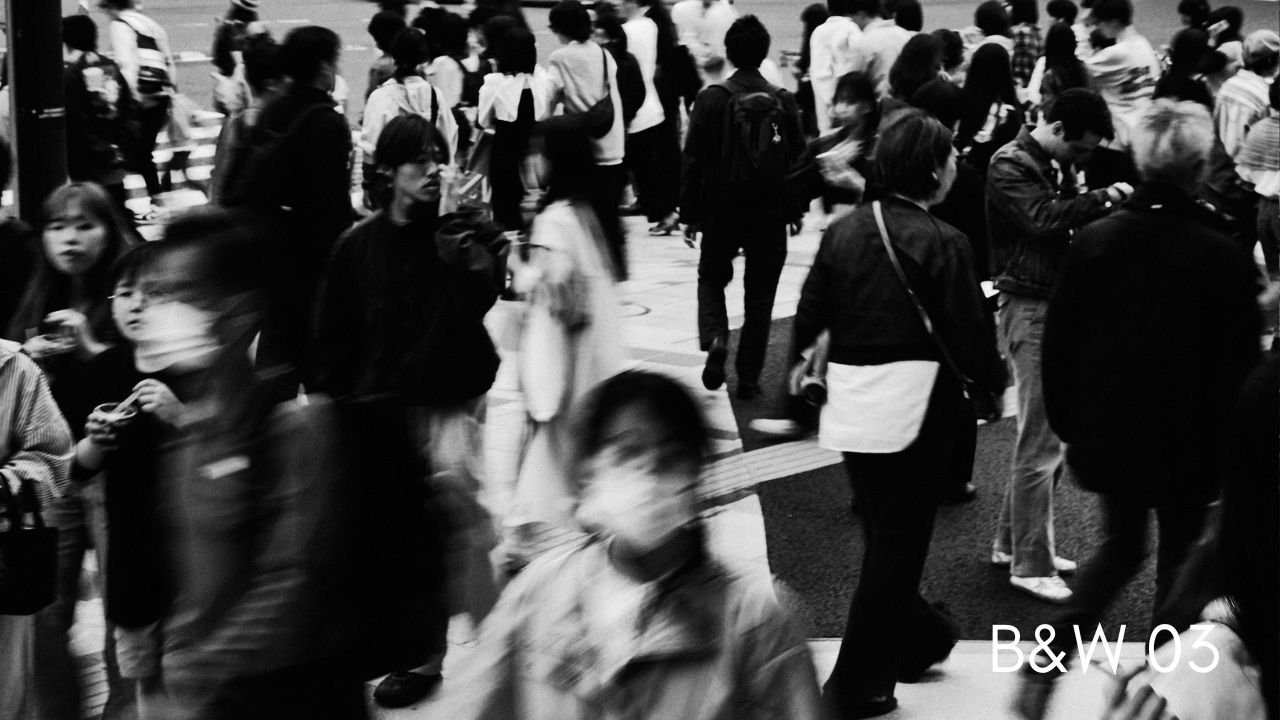
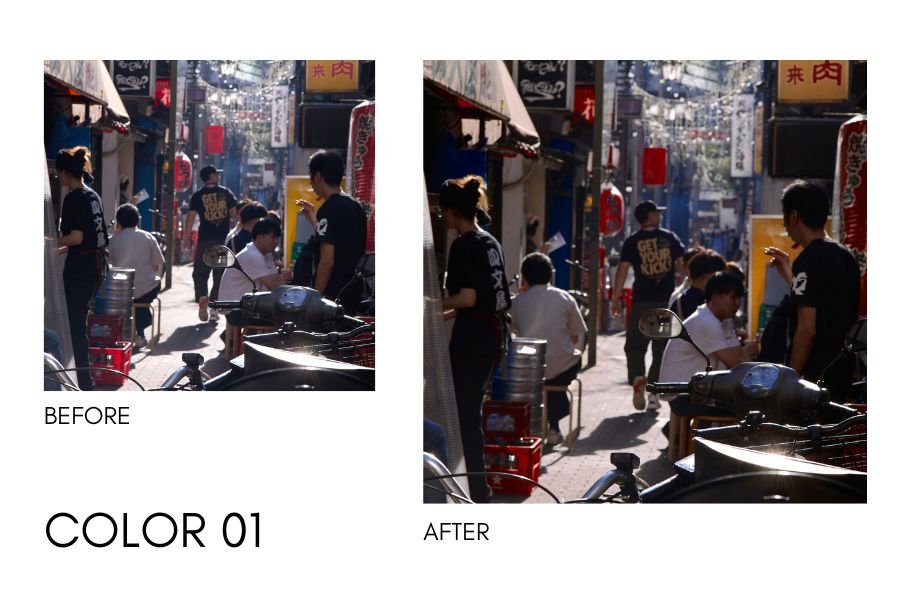
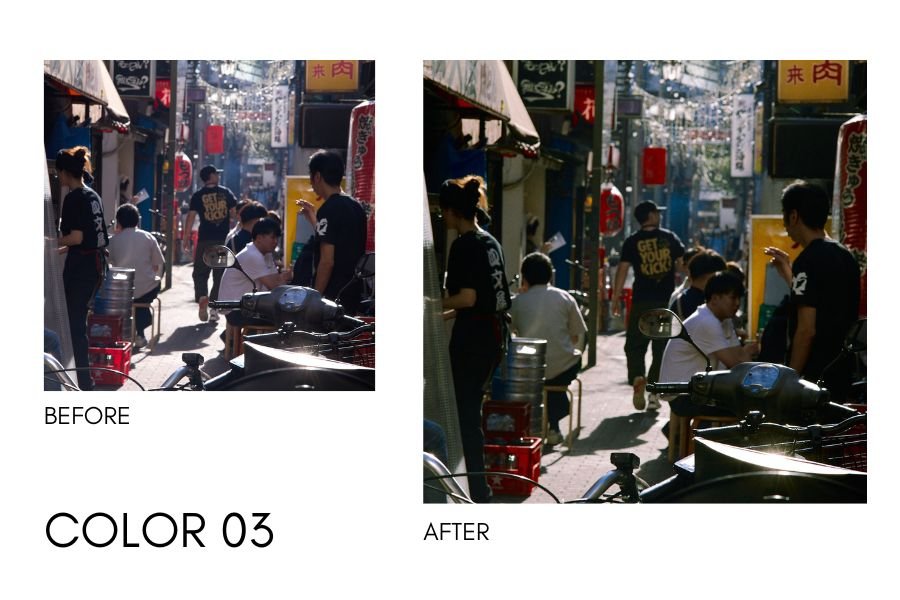
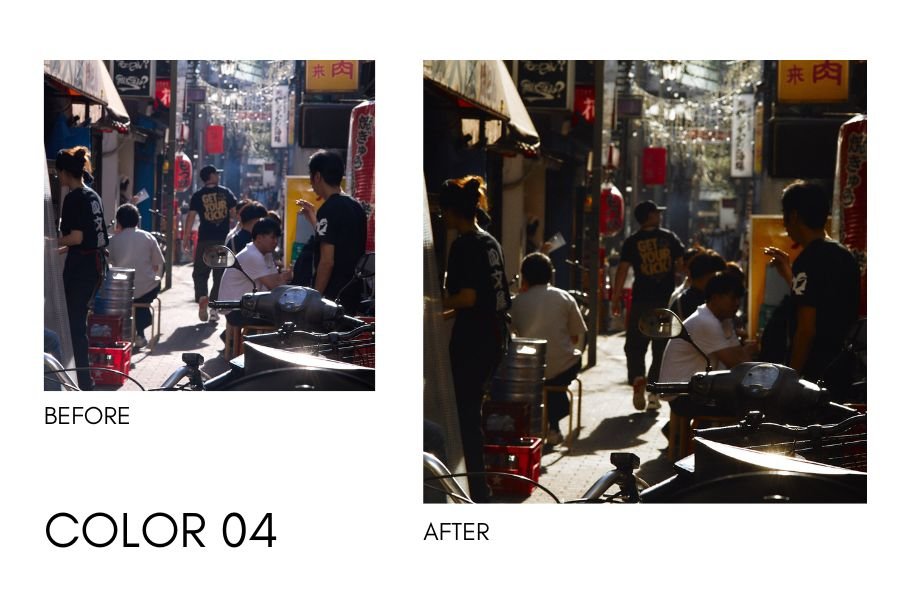
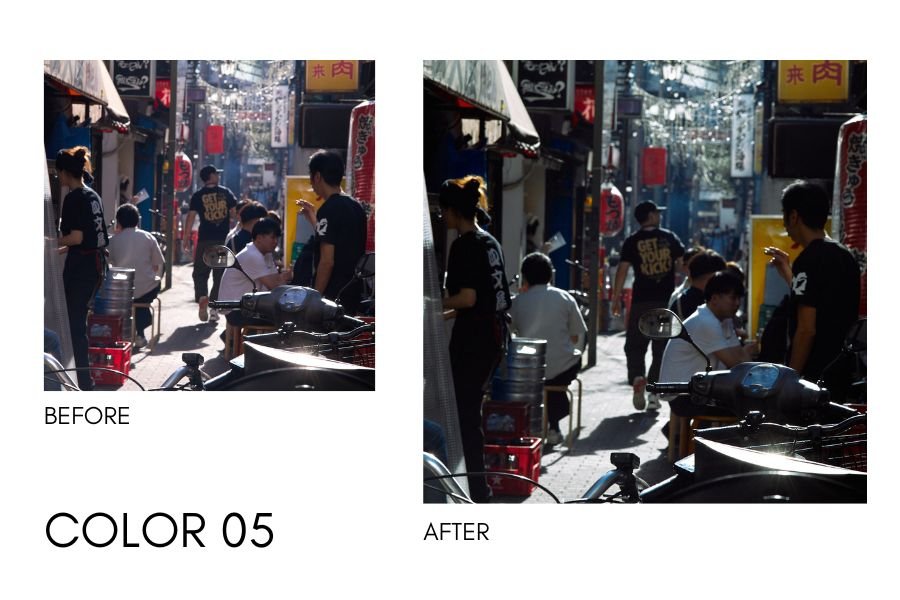
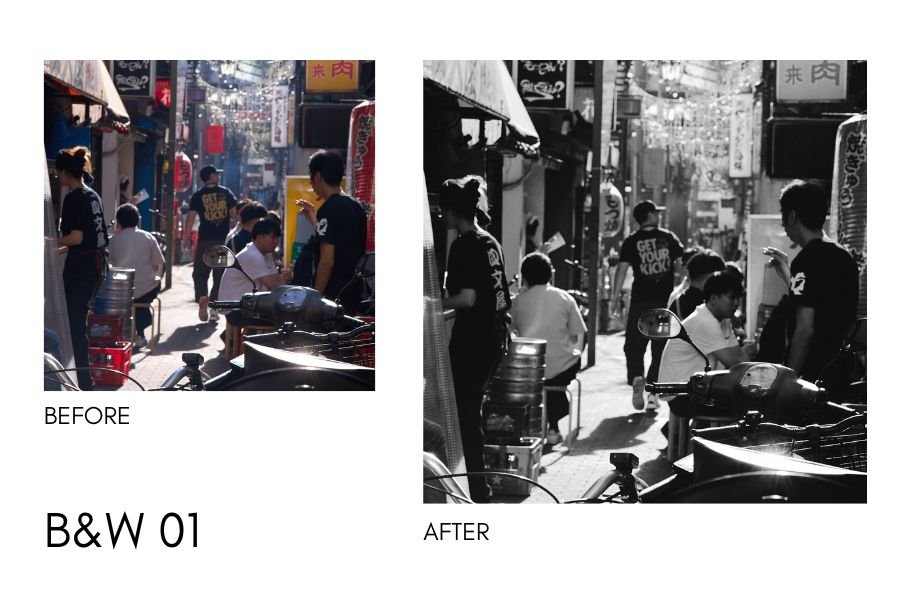
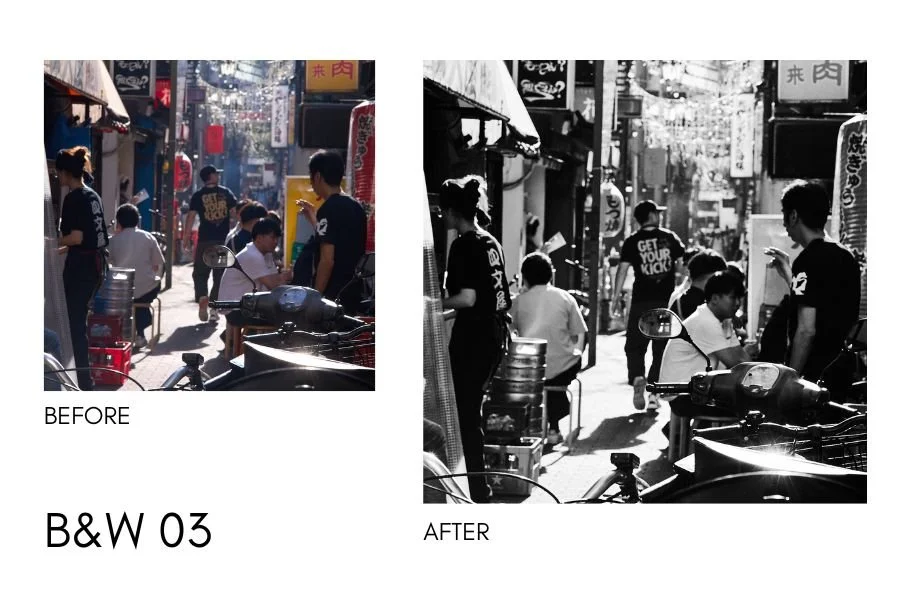
Analog 2024 (Capture One) is a set of Capture One styles that resemble how I currently process my photographs.
This set consists of 5 color looks and 3 black & white looks.
Please apply these presets to RAW files only and use them as a starting point to your editing process.
Important info:
This preset pack includes .costyle files for Capture One Desktop
Please download files as soon as possible & keep in a secure place. The download link expires.
This purchase is non-refundable.
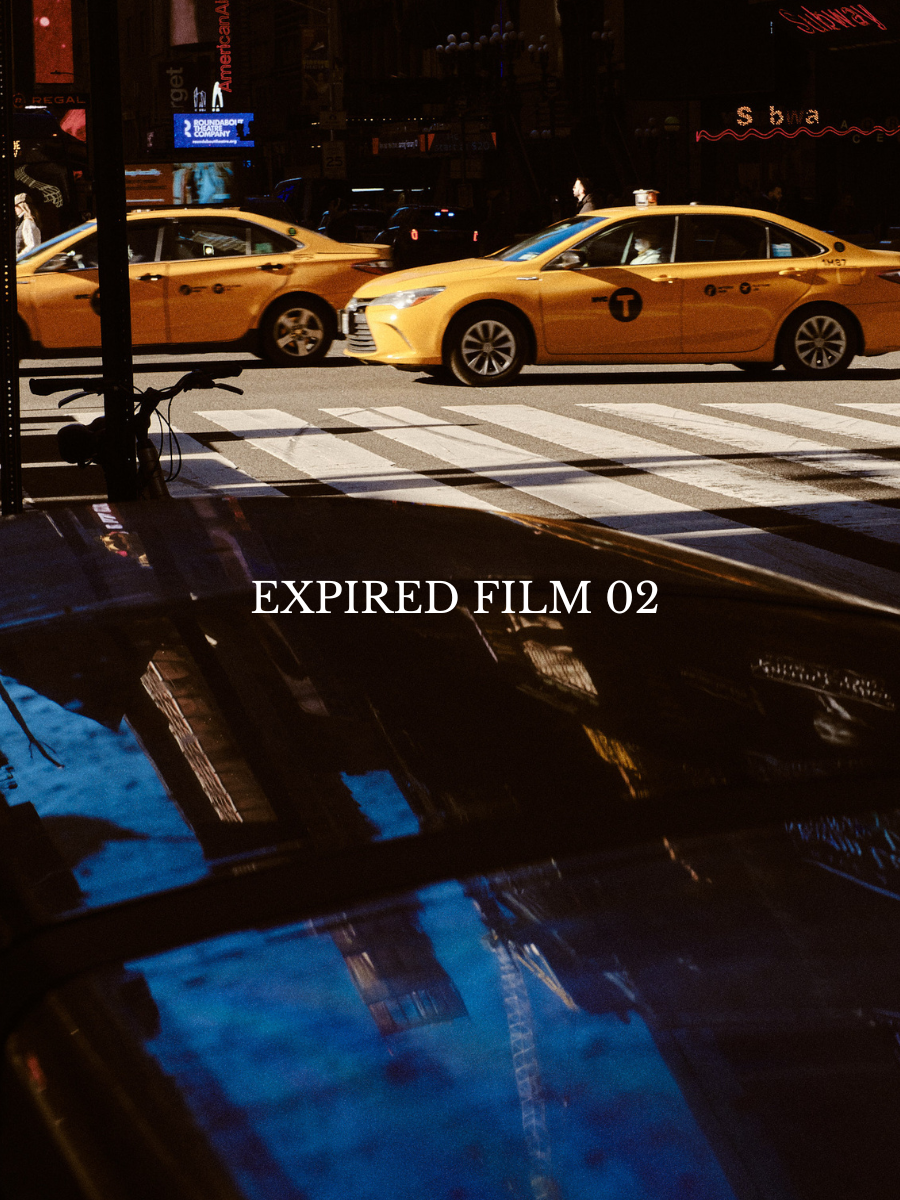
This pack consists of five Capture One presets inspired by film. They’re made for daytime images both in harsh light and overcast. Depending on how well you exposed the image or how harsh the light is you will need to do your own tweaking to your liking.
Important Notes:
These presets are for Capture One 21, 22, & 23
These will work best on properly exposed raw images
These presets are made with Fujifilm RAW files in mind but can be used with other cameras
These presets are meant to be a starting point to your editing process (see how to use for editing tips with these presets)
These presets are “inspired” by film and not necessarily supposed to replicate a certain film stock
This Preset is Non Refundable
Analog Pack 3.0 is the third iteration of my film inspired color grading for digital images and made exclusively for Capture One. There are 6 included styles designed specifically for Fujifilm cameras, utilizing their film simulation picture profiles.
Important Notes:
These presets are for Capture One 21, 22, & 23
These will work best on properly exposed raw images
These presets are meant to be a starting point to your editing process (see how to use for editing tips with these presets)
These presets are “inspired” by film and not necessarily supposed to replicate a certain film stock
This Preset is Non Refundable. Anyone caught trying to resell this will be prosecuted.
How to Use these Presets
Start with adjusting the exposure (exposure is purposely high on all presets to encourage you to get adjust exposure to the right level) - think of it as an intensity level.
Make any necessary adjustments to white balance
Depending on how well you exposed your image, you might want adjust the contrast in the luma tone curve to your liking
How to Install:
Make sure Capture one is closed
Open the Capture one Styles folder within the application directory
Download and extract the styles
Copy and paste into the Capture One Styles folder
Open or restart. Styles should appear in your custom styles
If you have any questions about installation issues, please contact me by email at hello@faizalwestcott.com or DM @westcott on Instagram along with your order #. I usually get back within the day!